March 2023 Newsletter
Newsletter about LinkedIn | March
LinkedIn Tips & News
Hello dear reader,
Spring is all about growth and new beginnings. Whether you’re a professional or a beginner, there is always something new to learn.
Through this newsletter we’ll explore the world of LinkedIn advertising together with Caroline Rågmark, and provide some tips on A/B testing 🚀
People
For this month’s “People” section we have invited Caroline Rågmark – she works at LinkedIn as an Account Executive, helping Nordic businesses grow with LinkedIn Ads. She agreed to share her thoughts and news about advertising on LinkedIn.

Why advertise on LinkedIn?
I would emphasize the following reasons:
- There are more than 800 million reachable professional members on LinkedIn today.
- The platform offers targeting capabilities focused on professional experiences that are not found on any other marketing platform.
- Members on the platform are there to scroll for professional updates, insights, and stories. The member is in a work mindset and is more open to product advertisements related to their professional role.
3 main tips for companies who want to advertise on LinkedIn?
1. Think about who your customers are today and how this translates into the targeting attributes LinkedIn has. Identifying your target audience on LinkedIn is the first and one of the most crucial steps to a successful campaign.
2. Content is KEY! A campaign can be perfectly set up yet still not produce high-quality results due to uninspiring ads/creatives. Include colorful images, clear Call to Action, and use keywords that highlight the main points of your customers.
3. Keep track of your reach and frequency under the Delivery tab in Campaign Manager to track how many members you have reached and how many times each member has seen the ad.
Can you share your favorite feature on LinkedIn advertising?
My favorite advertising feature on LinkedIn and with Campaign Manager is the Breakdown View. It gives marketers an overview of key attributes like Conversion Tracking, Carousel Ads, and LinkedIn Audience Network. For instance, it shows which conversions have been generated across which campaigns as well as what carousel images have received clicks and how many impressions come from LinkedIn versus the Audience Network.

Follow Caroline Rågmark on LinkedIn!
Tip of the month
This month we will share about the new LinkedIn Campaign Manager feature - A/B testing!
With A/B tests, you won't need to depend on assumptions to determine how to make your ads more effective. Instead, you'll have tangible evidence to help your decision-making process.
📍 A/B testing involves creating two ads with only one difference between them, running both ads simultaneously, and then measuring which one has a higher click-through rate (CTR) or conversion rate.
📍 To create a successful A/B testing strategy for LinkedIn ads, first identify the key elements of your ad that you want to test, define your testing objectives such as improving CTR or lowering cost per click, set a testing timeframe, allocate your ad spend evenly between the two ads, track and analyze your results.
📍 If you wish to test out A/B testing on existing ads, you can navigate through clicking on the Ads in the existing campaign page, add alternative elements to the campaign by clicking Create new ad or Browse existing content.
You can learn more about A/B testing here.
💡 TIP: You should let both campaigns run for at least one week to gather enough evidence.
Learn more about advertising on LinkedIn!
Let's deepen your knowledge further and prepare you for the upcoming LinkedIn Ads Campaign launch with our tips, tricks, and best-kept secrets.
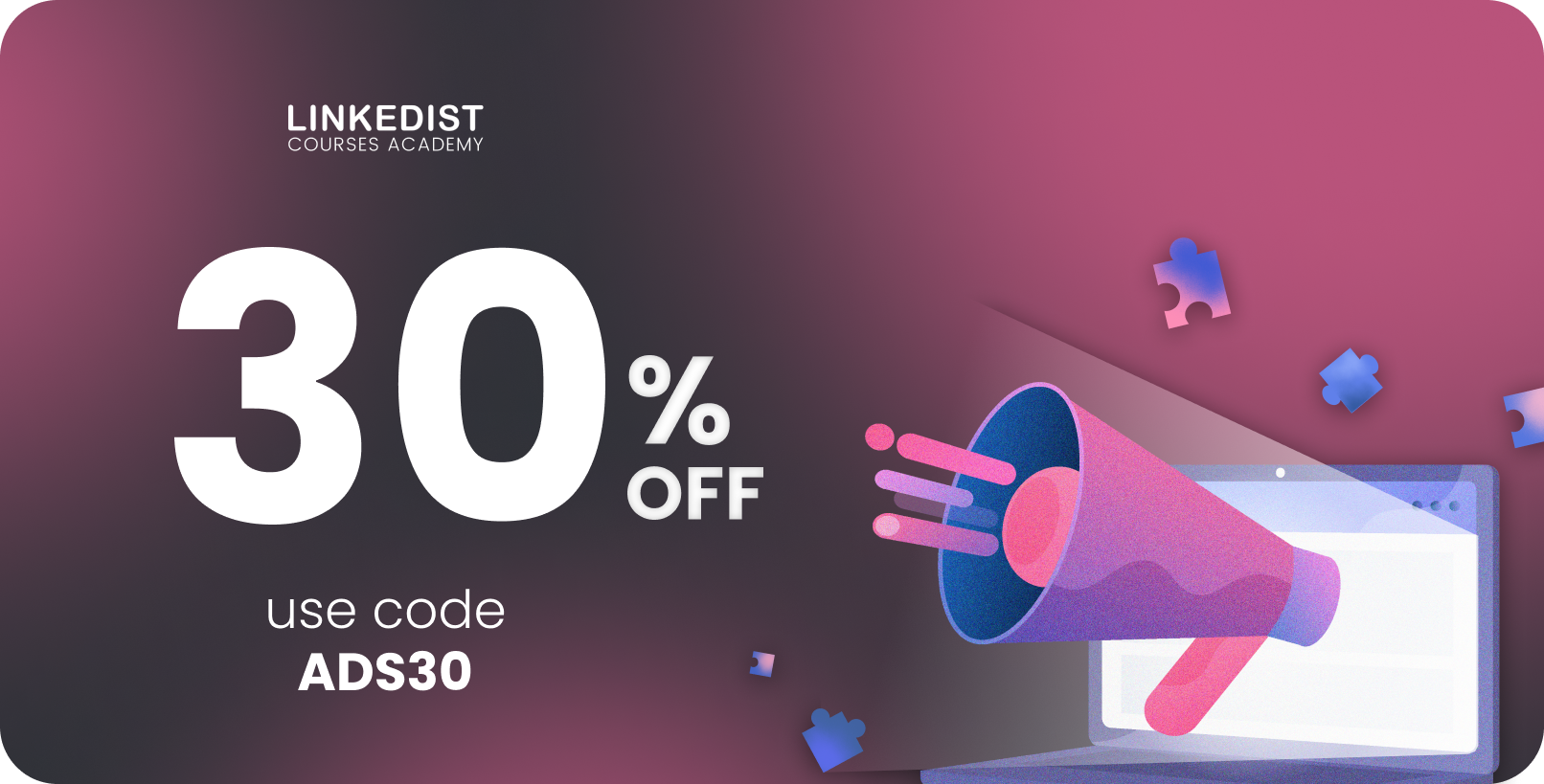
Use code ADS30 for 30% OFF LinkedIn Advertising course!
Never stop learning,
Goda 🚀



Linkedist
We help people & businesses grow with the power of LinkedIn
You received this email because you signed up on our website or made a purchase from us.
UnsubscribeJoin our newsletter
Follow us

©2026, All rights reserved.
Join our newsletter
Follow us
©2026, All rights reserved.
Join our newsletter
Follow us
©2026, All rights reserved.