May 2026 Newsletter
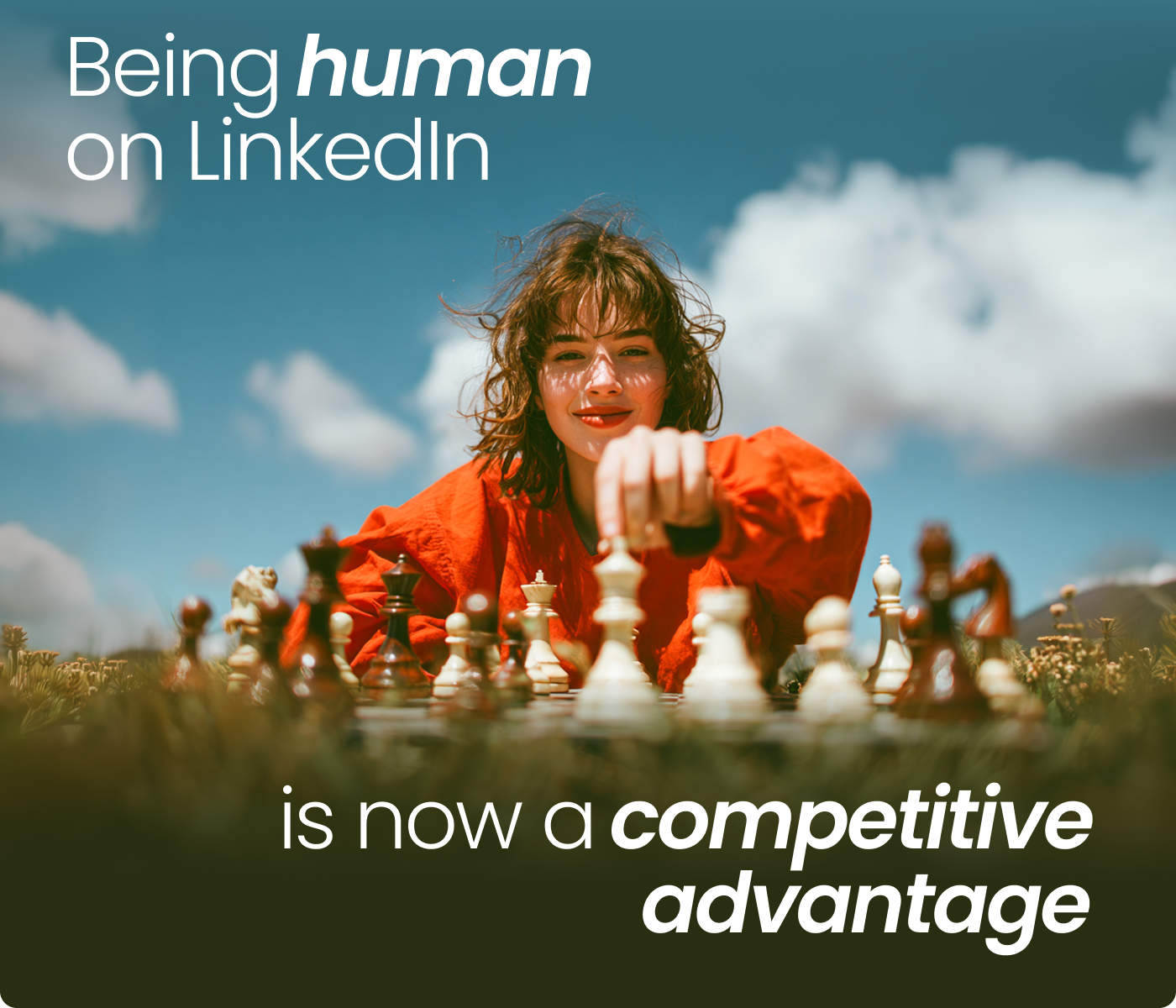
Here's why being human on LinkedIn is now a competitive advantage
View in browser
Hi there!
Everybody's using AI to write on LinkedIn. Your audience can tell.
So can your feed.
This month, we're breaking down why being human is now a genuine competitive advantage, and what that actually looks like in practice.

The copy-paste era is over. LinkedIn made sure of it
The LinkedIn feed is full of content that looks the same. LinkedIn is done pretending that's okay.
The platform is now actively limiting the reach of generic AI content, the kind built from recycled templates, vague advice, buzzwords, and zero real perspective. It is now rewarding human storytelling: Posts with real experiences, personal stories, lessons, and clear opinions.
However, this doesn’t mean you need to stop using AI. It means you need to use it correctly. AI should support your thinking, not replace it. The people getting results today aren’t copy-pasting ChatGPT outputs. They’re using AI to sharpen ideas, structure thoughts, and move faster, while still sounding like themselves.
📖 Read all about AI-generated content, and how to use AI in a way that still feels human, original, and worth reading - in our eBook.

Using the right prompts = staying visible
The posts that are 100% AI-generated don't get the algorithmic push.
Using AI to structure or polish your own ideas is fine. Using it to churn out recycled content that adds nothing new is what's getting penalised.
AI can still be a useful writing tool — but you need to bring the unique insight, the experience, the point of view. Train your prompts to reflect how you actually write. The closer your prompts are to your natural voice, the harder it is to tell where you ended, and the AI began. That's the goal.
Here’s 20 Prompts for AI That Will Transform Your LinkedIn Content.

The one format winning right now
Carousel posts are dominating LinkedIn
Carousels are outperforming text posts by nearly 3x and pulling in 278% more engagement than the video format.
Every swipe sends a dwell-time signal to the algorithm. The platform reads it as valuable content and rewards it with wider reach. More slides clicked = more distribution.
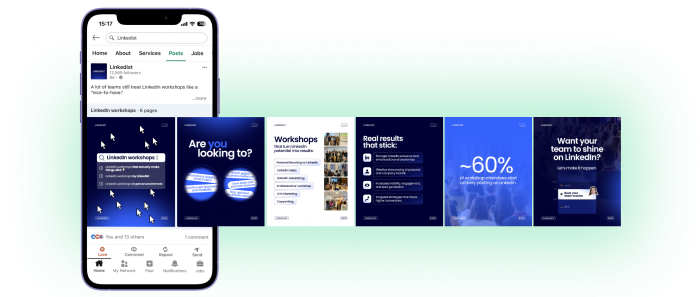
How to make a strong carousel post:

One clear idea. One insight, framework, or lesson. Specificity is what makes people swipe.

Plan 5–10 slides. Slide 1: bold hook. Slides 2–8: one point each. Slides 9–10: takeaway or CTA.

Design simply. Canva free "LinkedIn Carousel" template. Two fonts, two colours, white space. Clean beats clever.

Export as PDF. The step most people miss. LinkedIn's carousel only works as a document attachment — not an image file.

Write a strong opening post. Give people a reason to swipe.

Upload. Click "Add a document," upload your PDF, and add a title. Done.
Running out of LinkedIn post ideas?
Try out LinkedIn practical guides, templates, and resources built by Linkedist.
LinkedIn - What's new?
LinkedIn now lets consultants sell sessions directly through their profile
Users with Premium Business and higher plans can add a “Get advice from me” button to their profile. People can then book and pay for 1-on-1 consultations directly on LinkedIn, without leaving the app. The feature also includes booking management and built-in video calls.
Event Ads just got a lot more useful for B2B
LinkedIn now lets you use Event Ads to promote events hosted outside of LinkedIn — no LinkedIn Event page required. Full targeting, full tracking, no workarounds. If you run webinars or conferences, this one's worth knowing about.

AI didn't ruin LinkedIn. Lazy AI did.
There's still plenty of room for the real: for the people willing to show up with actual expertise, a clear niche, and something worth reading.
Stay real,
The Linkedist Team 🚀






We hustle backstage. You own the spotlight.
You received this email because you signed up on our website or have previously used our services.
Join our newsletter
Follow us


©2026, All rights reserved.
Join our newsletter
Follow us
©2026, All rights reserved.
Join our newsletter
Follow us
©2026, All rights reserved.